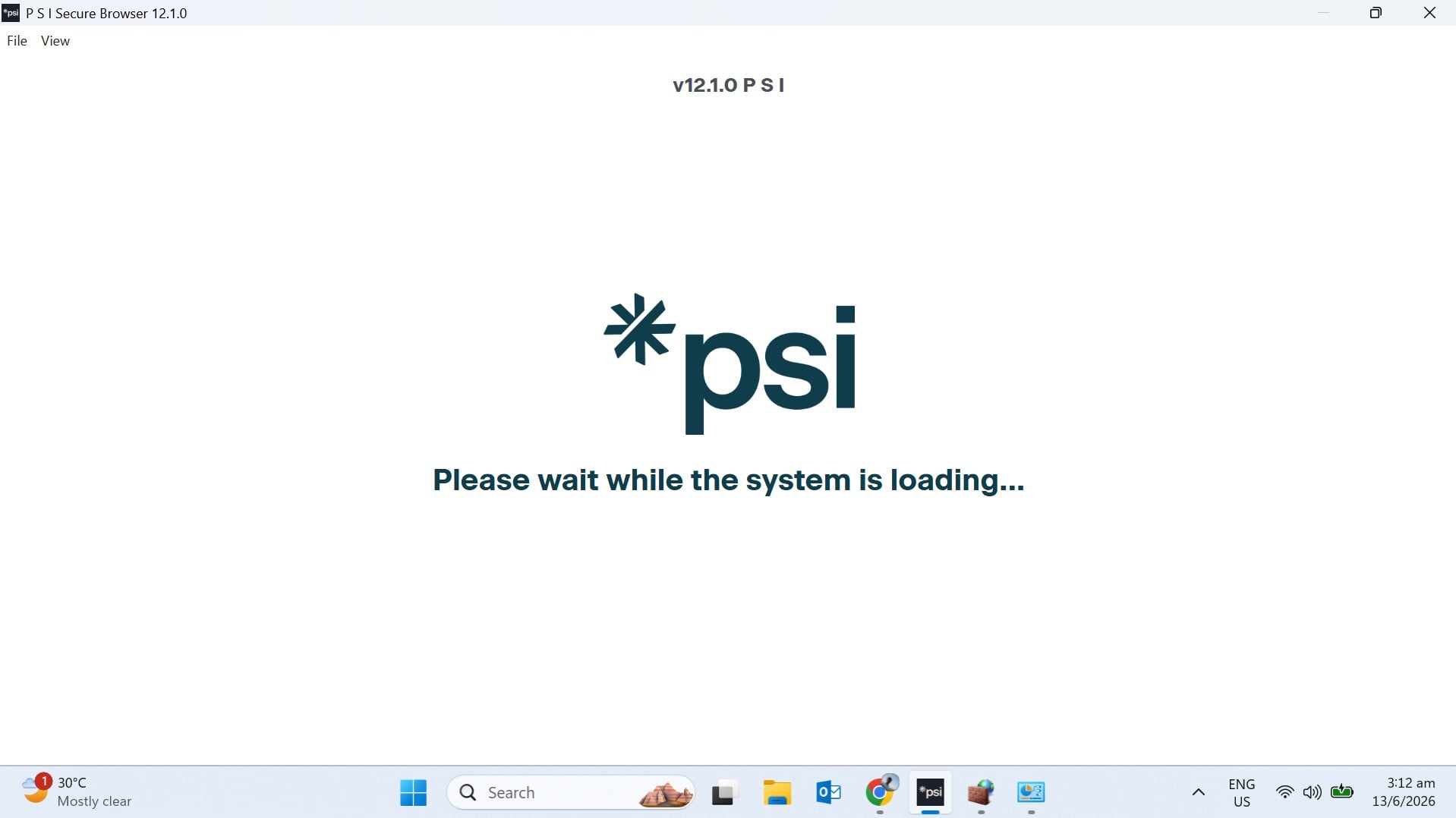
unable to launch CKA exam as PSI is stuck saying "please wait while system is loading"
Answers
-
Same problem, PSI browser stuck for "hours" in "please wait while system is loading" and I can't get past that point :-(
0 -
Running the PSI browser as administrator doesn't work either.
0 -
Hi @jmfandino ,
We are sorry about the difficulties you are experiencing with the PSI browser. If the issue has not resolved, please open a ticket with the Linux Foundation Customer Support team at trainingsupport.linuxfoundation.org and they will assist you. Response time may take up to several business days (no weekends or holidays). However, they will respond, so please be patient.
The forums are meant to assist learners with course-related questions. Thank you for your understanding.
Kind Regards,
Ariane
Linux Foundation Education Team0 -
For me the issue was the WIFI router. Before that I had tried on Windows 11, Debian 13, and a fresh install of Ubuntu 26, getting the same issue. So, I figured it wasn't the OS but my network. I tried with a mobile hotspot, and it worked! Apparently my router was allocating IPV6 addresses, which PSI can't work with. I created a new IPV4-only profile for my router, changed adapter settings for Windows (Control Panel > Network and Internet > Change adapter settings > Right click WIFI/Ethernet interface - Properties - Disable IPV6 > Save (obviously)). Launched again, and it worked! No more issues. Hoping to have no issues on exam day.
0 -
Having Similar issue... Trying to launch PSI's Secure Browser for Tutorial but it is not loading
 0
0


Categories
- All Categories
- 179 LFX Mentorship
- 179 LFX Mentorship: Linux Kernel
- 776 Linux Foundation IT Professional Programs
- 384 Cloud Engineer IT Professional Program
- 175 Advanced Cloud Engineer IT Professional Program
- 76 DevOps IT Professional Program - Discontinued
- 7 DevOps & GitOps IT Professional Program
- 103 Cloud Native Developer IT Professional Program
- 7.7K Training Courses & Learning Paths
- 17 AI & ML Training
- 2 Blockchain & Decentralized Identity Training
- 47 Cloud & Containers Training
- 7 Cybersecurity Training
- 4 DevOps & Site-Reliability Training
- 3 Linux Kernel Development Training
- 2 Networking Training
- 2 Open Source Best Practice Training
- 6 System Administration Training
- 1 System Engineering Training
- 6 Web & Application Development Training
- 798 Hardware
- 202 Drivers
- 68 I/O Devices
- 37 Monitors
- 96 Multimedia
- 173 Networking
- 91 Printers & Scanners
- 92 Storage
- 775 Linux Distributions
- 83 Debian
- 68 Fedora
- 24 Linux Mint
- 13 Mageia
- 24 openSUSE
- 151 Red Hat Enterprise
- 32 Slackware
- 13 SUSE Enterprise
- 356 Ubuntu
- 473 Linux System Administration
- 31 Cloud Computing
- 73 Command Line/Scripting
- Github systems admin projects
- 104 Linux Security
- 79 Network Management
- 102 System Management
- 46 Web Management
- 175 Mobile Computing
- 32 Android
- 128 Development
- 1.2K New to Linux
- 1K Getting Started with Linux
- 407 Off Topic
- 128 Introductions
- 35 Study Material
- 1.1K Programming and Development
- 312 Kernel Development
- 730 Software Development
- 1K Software
- 421 Applications
- 183 Command Line
- 5 Compiling/Installing
- 71 Games
- 320 Installation
- Archived
- 183 Small Talk
- 2 LFD140 Class Forum
- 1.4K LFS258 Class Forum
Upcoming Training
-
August 20, 2018
Kubernetes Administration (LFS458)
-
August 20, 2018
Linux System Administration (LFS301)
-
August 27, 2018
Open Source Virtualization (LFS462)
-
August 27, 2018
Linux Kernel Debugging and Security (LFD440)